How to Use a Virtual Number for WhatsApp Business
- January 27, 2026
- 0
WhatsApp Business has become a go-to tool for talking to customers, promoting products, and closing sales. Today millions of businesses rely on WhatsApp to stay connected and reply



9621 Agnes Crossing, Lake Suzanneview, New Mexico Island 84604-9295.
WhatsApp Business has become a go-to tool for talking to customers, promoting products, and closing sales. Today millions of businesses rely on WhatsApp to stay connected and reply
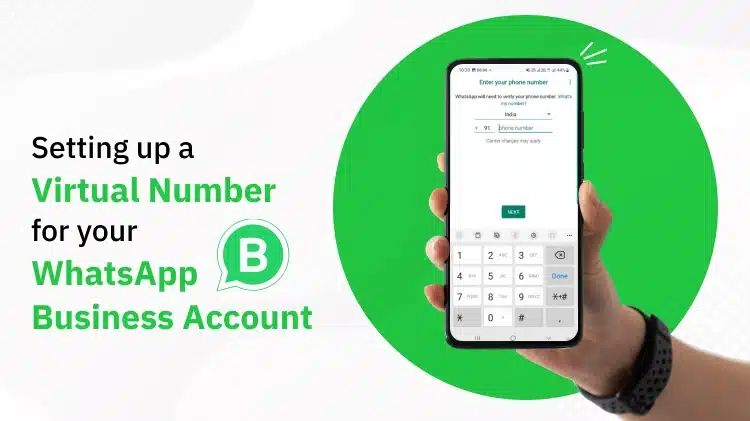
WhatsApp Business has become a go-to tool for talking to customers, promoting products, and closing sales. Today millions of businesses rely on WhatsApp to stay connected and reply fast. But to use WhatsApp Business in a proper way, you need a separate phone number. This is where virtual numbers make things easy.
In this guide, you will learn how to use a virtual number for WhatsApp Business, why it is useful, how to set it up, and why it is the best choice for modern businesses in 2026.
A virtual number is a phone number that works online and does not need a physical SIM card. You can use it to receive calls, SMS, and OTP verification codes.
It runs through the internet and is commonly used for WhatsApp Business, online platforms and communication with people in different countries.
WhatsApp Business is a free app made for businesses to talk to their customers easily. It helps you answer messages, share product information, send order updates, and give proper customer support.
The app also lets you create a business profile, set auto replies, use quick replies, and organize chats with labels so everything stays clear and professional.
Using your personal number for business can create problems and does not look professional. A virtual number gives you a safer and more flexible way to use WhatsApp Business.
Businesses choose virtual numbers because they help keep personal and work life separate. They also give your brand a more professional image. You can use WhatsApp without a physical SIM, manage more than one WhatsApp account, and allow your team to work from anywhere using the same number.
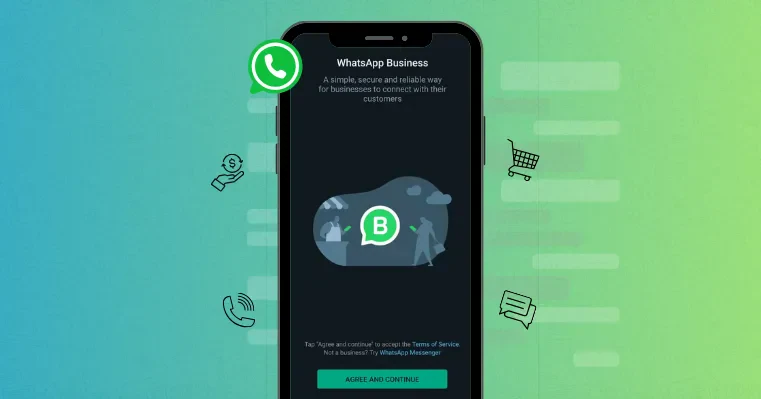
A virtual number helps you set up a proper WhatsApp Business account just for your business. This makes your brand look more serious and reliable. Customers feel more confident when they see a dedicated business number instead of a personal one.
Virtual numbers work online, so you don’t need:
This is ideal for online businesses and international sellers.
WhatsApp requires SMS or call verification. High-quality virtual numbers support:
This ensures smooth account activation.
Use auto replies so customers get quick answers
Set up quick reply messages to save time
Use labels to keep chats organized
Do not send spam to avoid account bans
Always give proper and helpful customer support
Do not use low quality or reused numbers
Do not send spam messages to customers
Do not break WhatsApp rules and policies
Always back up your chats
Keep personal and business chats separate
| Feature | Virtual Number | Physical SIM |
|---|---|---|
| SIM Required | No | Yes |
| Remote Access | Yes | No |
| Global Availability | Yes | Limited |
| Multiple Accounts | Easy | Difficult |
| Setup Speed | Instant | Slow |
Using a virtual number for WhatsApp Business is a smart move for any modern business. It gives you flexibility, a professional look, easy growth, and global reach without needing a physical SIM card.


